
Trusted by Industry Leaders
Empowering businesses across sectors with innovative solutions



































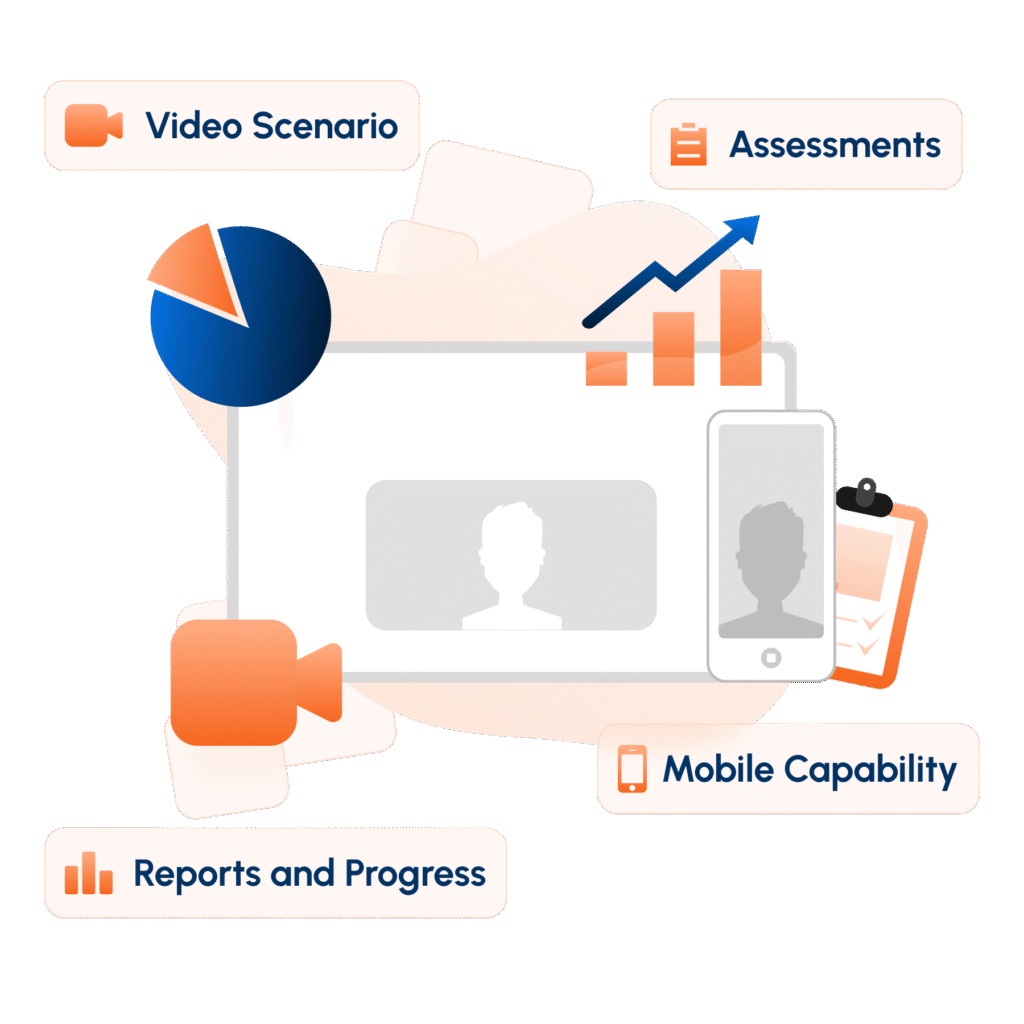
Practise important conversations before they happen. With SIM Studio:

Voice-Enabled Roleplay allows users to engage in interactive conversations with an AI persona.
Real-World Scenarios help users practise sales objections, customer interactions, manager conversations, negotiations, and other business-critical situations.
AI Personas create dynamic practice experiences where users need to listen, think, respond, and adapt as the conversation unfolds.
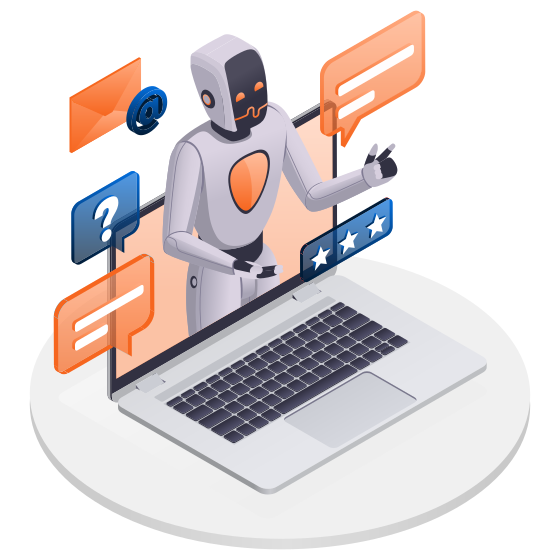

SIM Studio provides a simpler, self-paced practice mode for structured responses:

Self-Paced Responses: Users respond independently to a fixed scenario or prompt.
Pitch Practice: Practise sales pitches, product explanations, presentations, and other important communication.
Structured Response Drills: Create repeatable exercises to help users practise specific workplace and customer-facing situations.
Create simulations around the conversations that matter to your organization:

Scenario Templates: Start with available templates across Sales & B2B, Customer Support, Workplace & HR, Agri & Retail Distribution, and other supported categories.
Start from Scratch: Build a simulation when an existing template does not match your business situation.
Custom Context & Objectives: Define the scenario context and what the user is expected to achieve during the conversation.

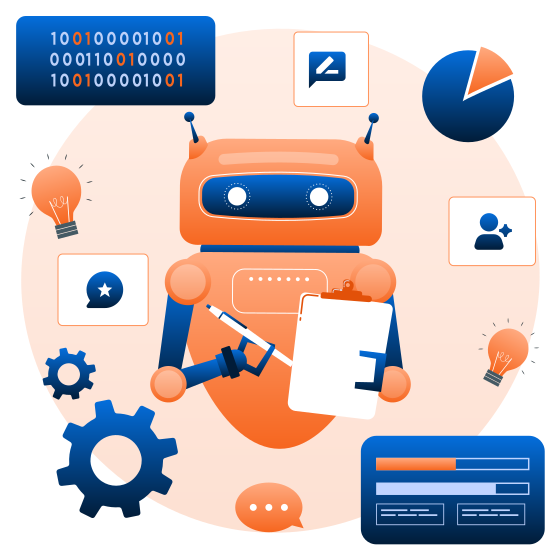
Choose how user performance should be evaluated based on your organization's governance requirements:
AI Review: AI-generated evaluation determines the result without mandatory manual confirmation.
AI + Manual Review: AI evaluates or coaches the attempt while an Admin confirms the final evaluation.
Manual Review: The attempt remains pending until an Admin completes the review.
Move beyond training completion and understand how users perform during actual practice:
Eye Contact & Blink Rate: Capture applicable visual behaviour during the simulation.
Posture & Head Steadiness: Evaluate configured behavioural indicators during user attempts.
Words Per Minute: Measure speaking pace where the metric is enabled for the simulation.
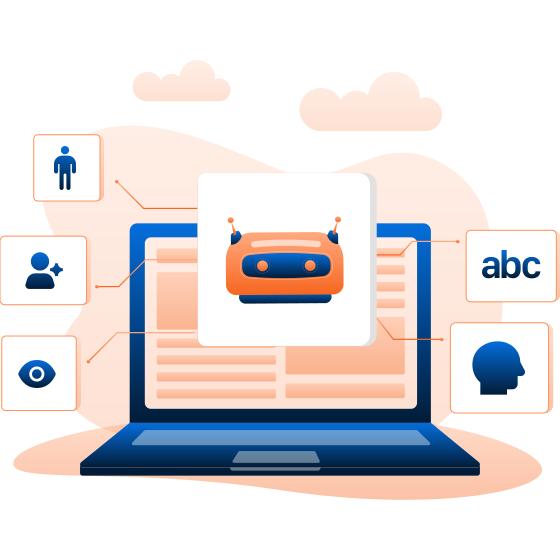
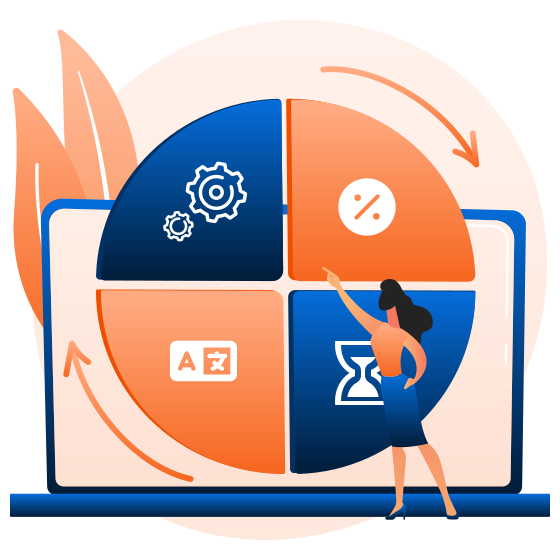
Configure each simulation around the required practice experience:
Attempts & Passing Percentage: Define how many attempts users receive and the score required to pass.
Duration & Language: Configure the duration and language of the simulation.
Availability Window: Control when the simulation is available for assigned users.
Deliver the right practice experience to the right audience:
Select Relevant Users: Assign simulations to users who need to practise a particular business scenario.
Controlled Assignment: Configure the simulation before making it available to the selected audience.
Defined Availability: Set an availability window to control when assigned users can access the simulation.

Turn practice attempts into visible performance evidence:
View User Attempts: Admins can access submitted simulation attempts for review.
Evaluation Outcomes: Review results according to the configured AI, AI + Manual, or Manual Review method.
Performance Visibility: Understand how users perform in simulated situations instead of relying only on training completion data.