Table of contents
Overview
In a fast-paced corporate environment, the ability to turn a spark of inspiration into a functional learning tool is invaluable. Preso, a key component of the Articulate 360 suite, empowers creators to move beyond static lists and complex development cycles. By leveraging the portability of the iPad and the power of cloud integration, anyone can transform ideas into interactive, multi-device responsive e-learning content in minutes. Whether it’s a quick course promo or an informal training video, Preso ensures your message is not just delivered, but embraced.
Authoring on the Move
Do you want to create meaningful and also real quick learnings which are worth embracing? You must be lucky because you have Preso-Articulate 360. With Preso you can do multi-device responsive authoring which is trending nowadays. For instance, you can Jazz up your content by talking to your learners about a new course by fabricating a course promo.
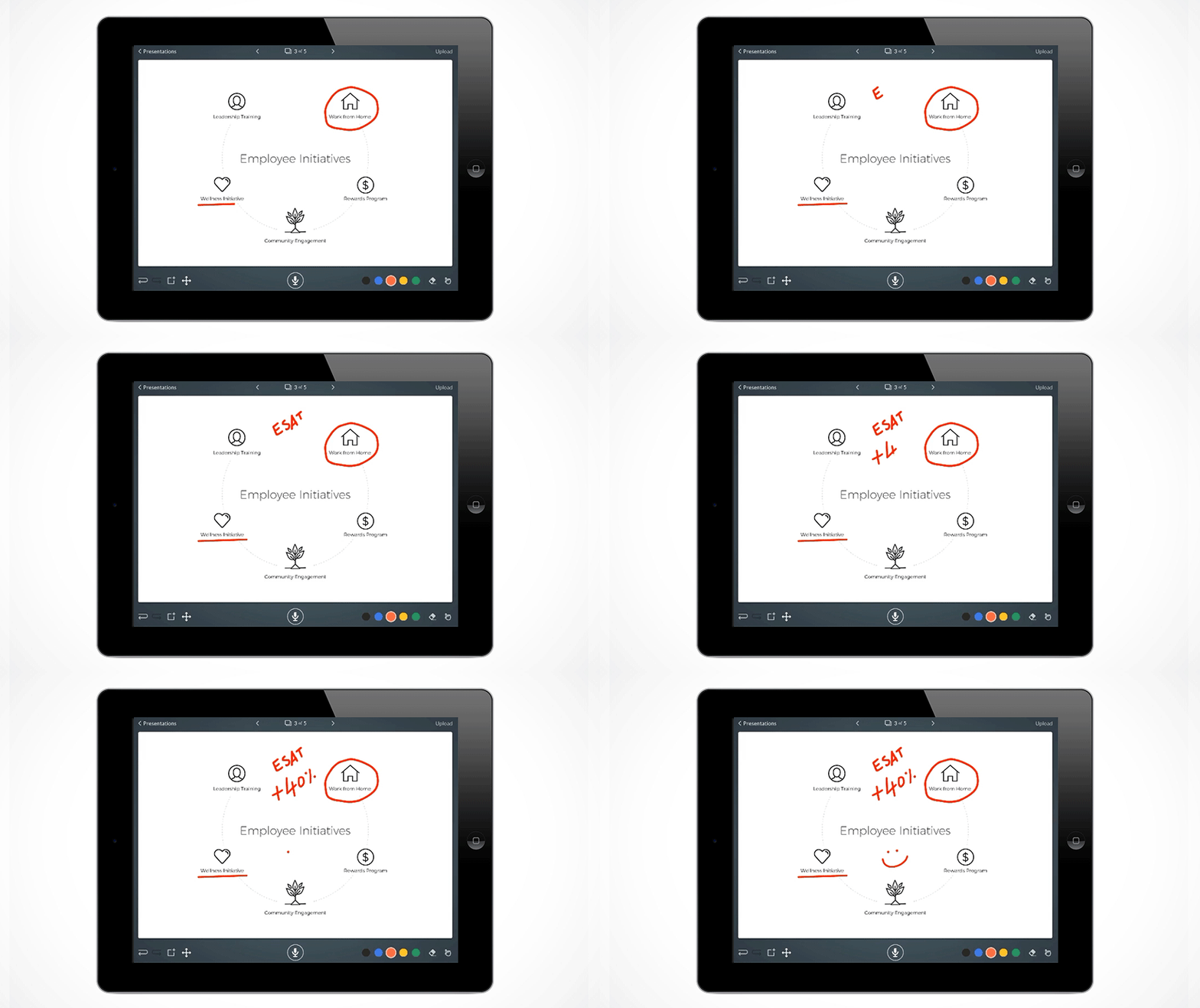
Get used to making quick informal videos which can help your learners to grasp the learning content with ease. If you have some ideas running in your mind preso can be used right away to create an interactive training instead of jotting it down as a list. Doing that can be helpful to teach the required material as a course which has roughly originated from your ideas on the move.
Simple Integration and Deployment
Create in-time e-learning content on your iPad by the using PDF, Audio, Text. Start away with an image and author the simplest message you want to convey to your learners. You can get the Preso app either directly from AppStore or can download it from the desktop app Articulate 360.
At the technical front, one can upload images, files to put into the project from google drive as well as dropbox.
Collaboration and Final Delivery
To watch your project upload it to Articulate 360 and there you have the collective review feature which helps you decide to improve the course created with the feedback from your team. Now the last step would be to download it from articulate review and upload the MP4 file to engage your learners by uploading it to your learning.
FAQ
Q:Where can I find the Preso app to start authoring?
A:You can find the Preso app directly on the Apple App Store for your iPad. Alternatively, you can download it via your Articulate 360 desktop application for seamless integration with your existing suite.
Q:Can I use my existing assets from cloud storage?
A:Absolutely. On the technical front, Preso allows you to pull images and files directly from Google Drive and Dropbox to include in your training projects.
Q:How do I gather feedback on the training I create?
A:Once you upload your project to Articulate 360, you can use the Articulate Review feature. This allows your team to provide direct feedback, helping you refine and improve the course before you finalize the MP4 for your learners.
Final Thoughts
The era of “never-ending development cycles” is coming to a close. With tools like Preso-Articulate 360, the distance between a great idea and a great course is shorter than ever. By utilizing mobile-first authoring and collaborative review features, you ensure your training is timely, relevant, and engaging.
Ready to start? Get your free trial on your iPads right away! You can also register for a free demo of Articulate 360 to know more about the entire content authoring suite.